Will it work
in my DAW?
Straight answers. Both plugins run natively on Apple Silicon Macs, inside your DAW or as standalone apps.
HostSoomplerStooms
DAWs with ARA 2 supportOn your clip (ARA 2)On your clip (ARA 2)
VST3 hosts without ARA (e.g. Ableton Live, Bitwig, FL Studio)VST3 instrumentVST3, file mode
No DAWStandalone appStandalone app
Logic ProComing soonComing soon
WindowsLaterLater
Questions, served.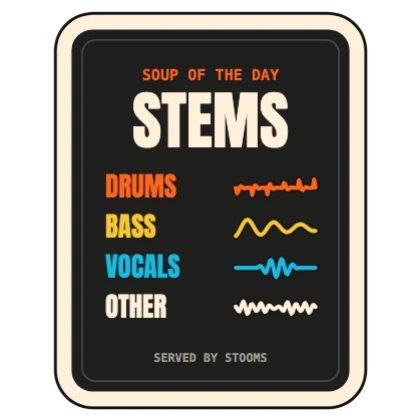
How do I buy and download?
Buy here securely through Moonbase, then find your licence and downloads under My plugins, using the email you checked out with.
Do I need both?
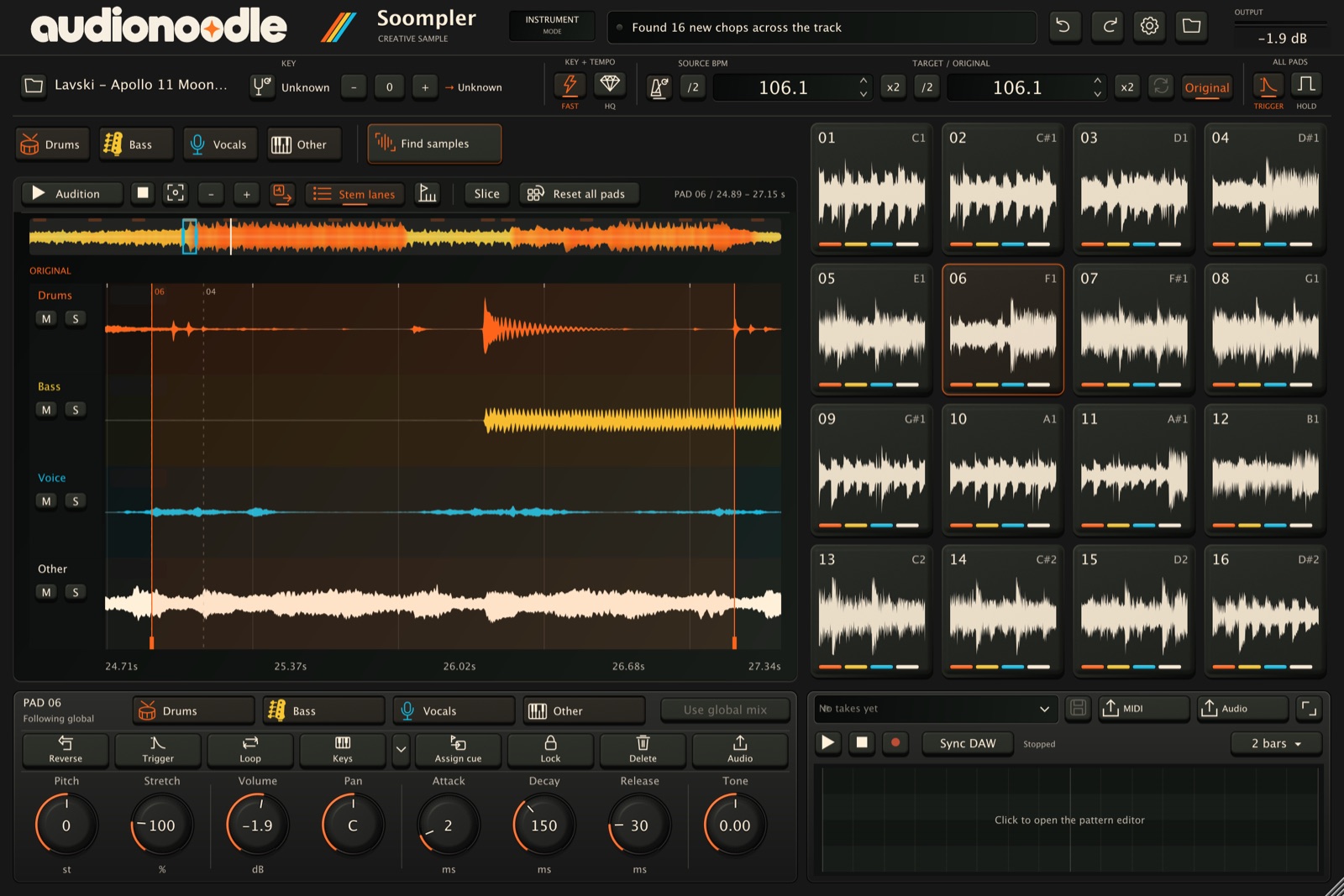
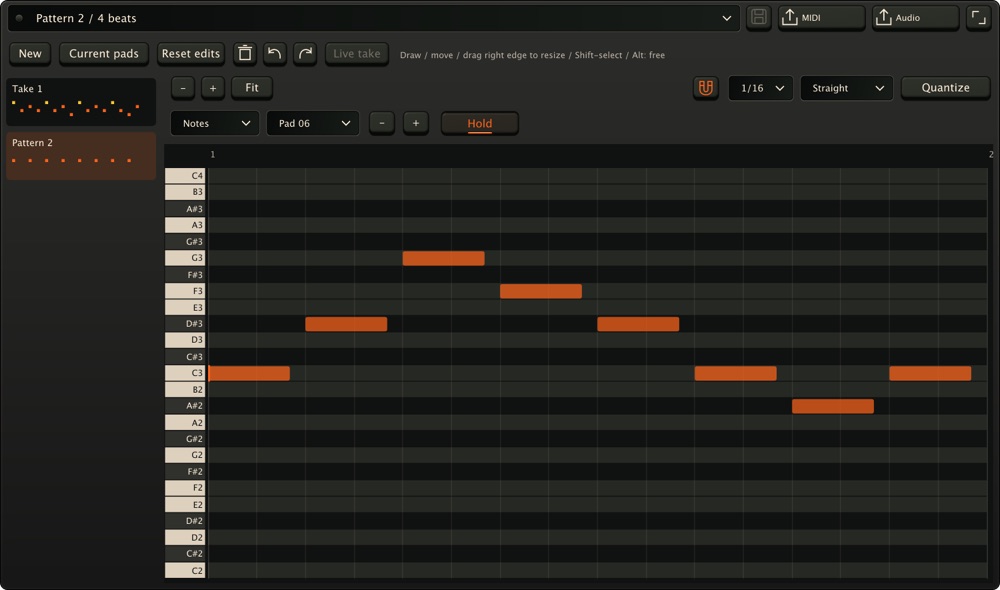
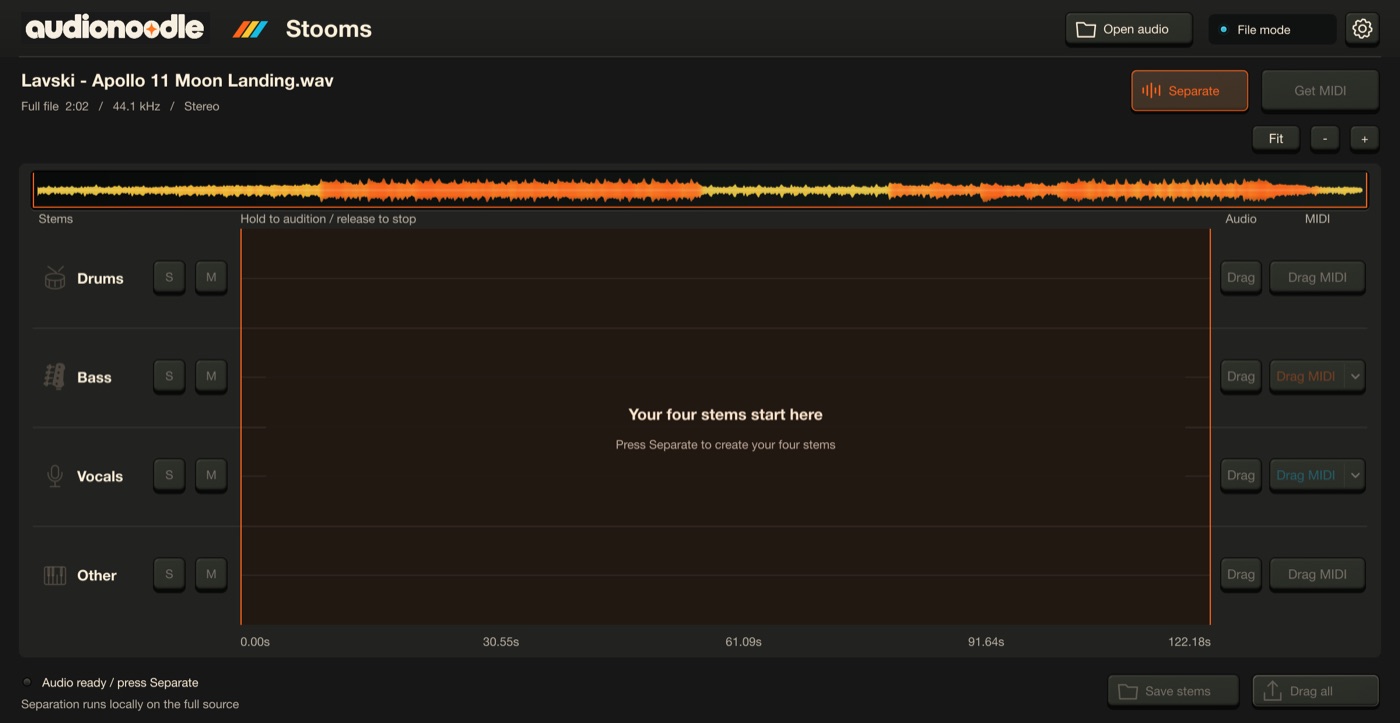
Soompler can split stems per pad; Stooms is the quick utility for a whole clip. Choose Soompler for sampling and building ideas, Stooms for focused stem separation, or the bundle if you want both workflows.
How good is the MIDI from Stooms?
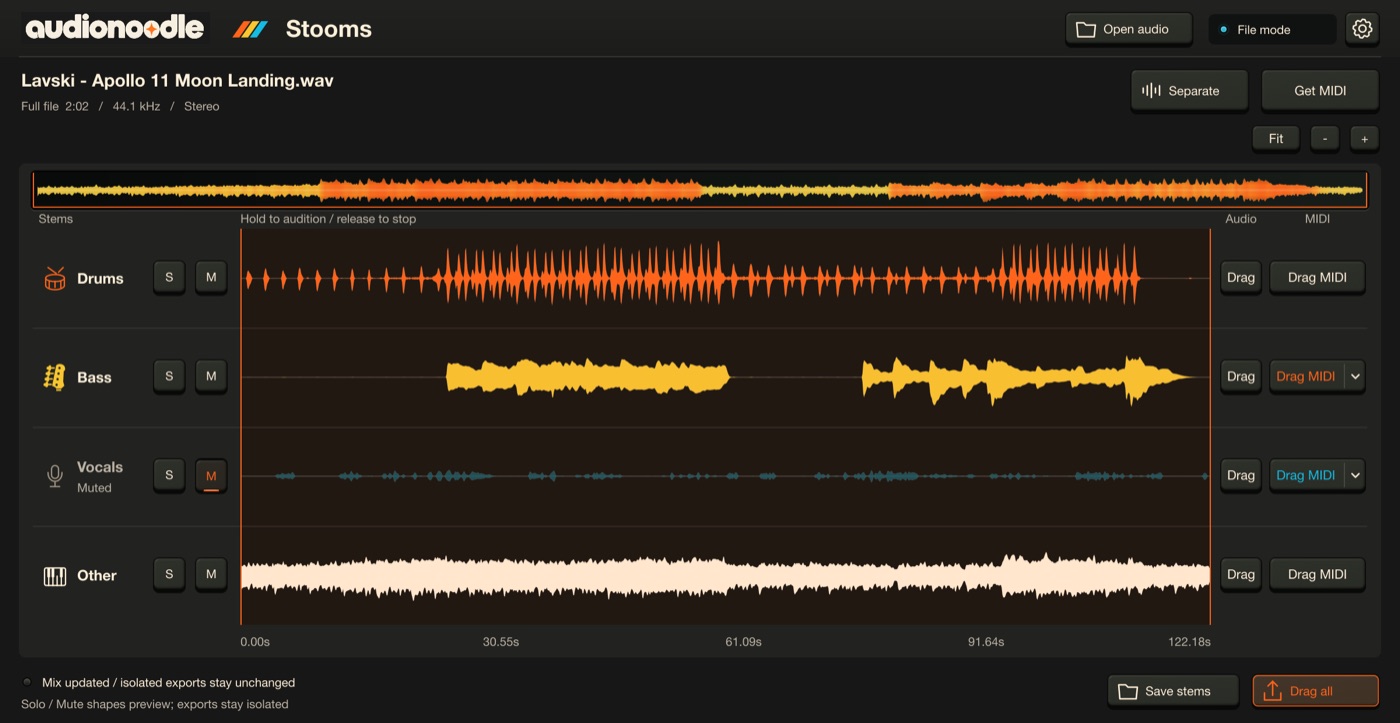
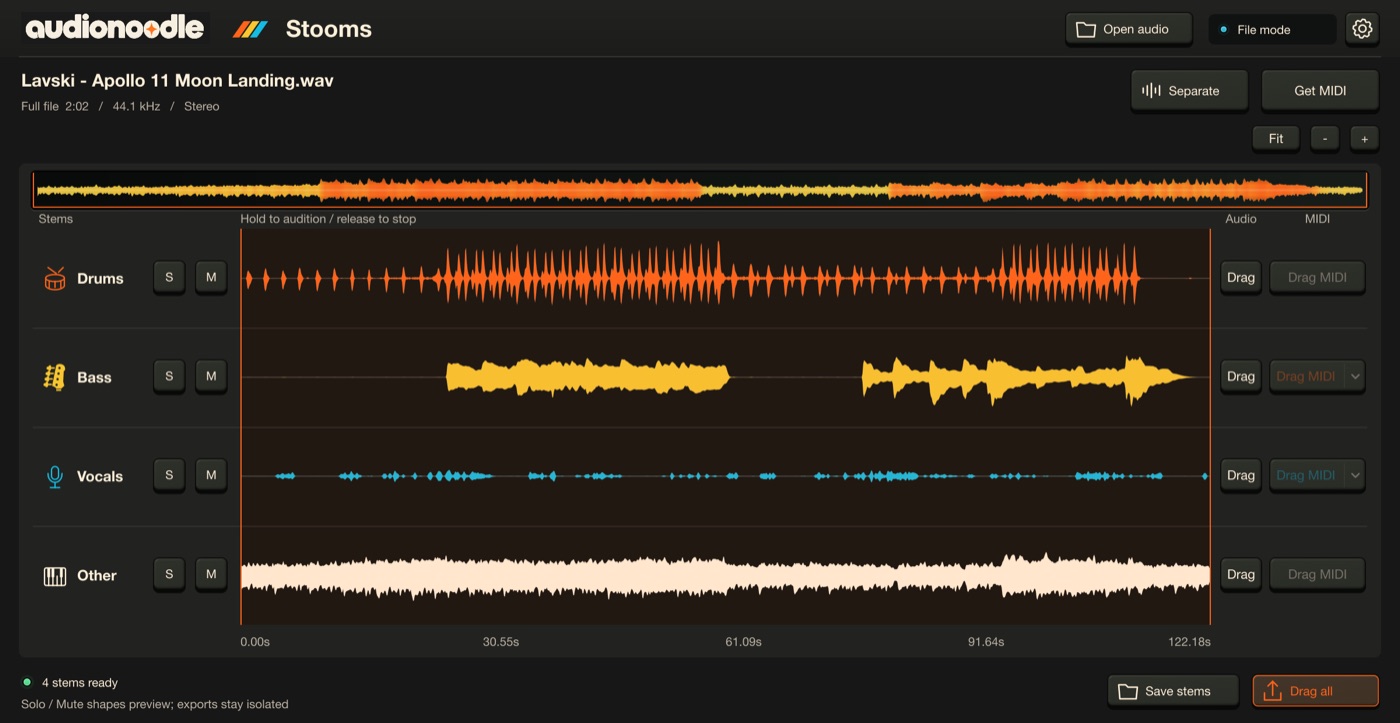
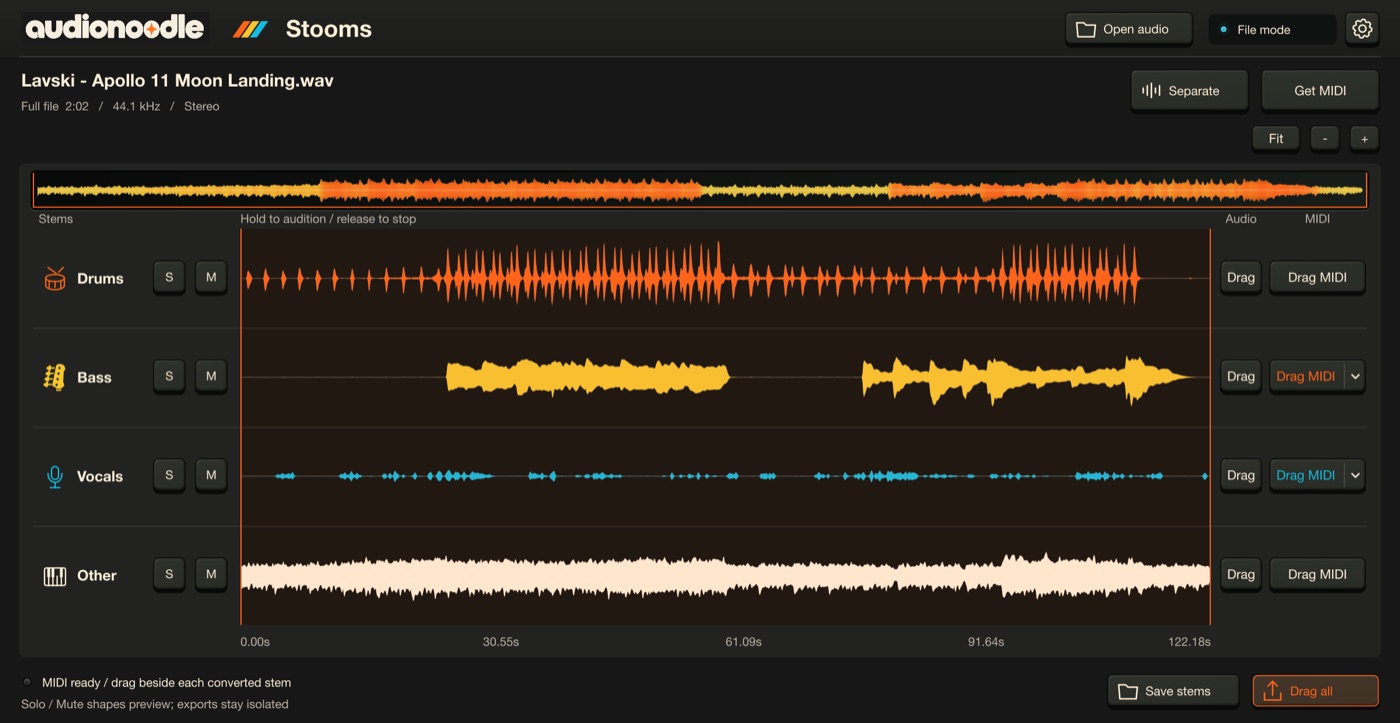
Each stem gets the tool that suits it. Drums become a General MIDI kit — kick, snare and hi-hats are the strongest; toms and cymbals are rougher. Bass and vocals follow one melody line each: choose Notes for clean notes, or Expressive to keep slides and vibrato as pitch bend (set your synth’s bend range to ±12 semitones if it doesn’t pick that up). Other — keys, guitars, pads — is experimental: a starting point to edit, not a finished part. In your DAW, the files follow your project’s tempo. It all runs on your Mac.
How does the free trial work?
Download the installer from our downloads page — no account is needed to download. Choose Activate inside the plugin, then sign in or create your account to start 14 days with every feature.
Does my audio go anywhere?
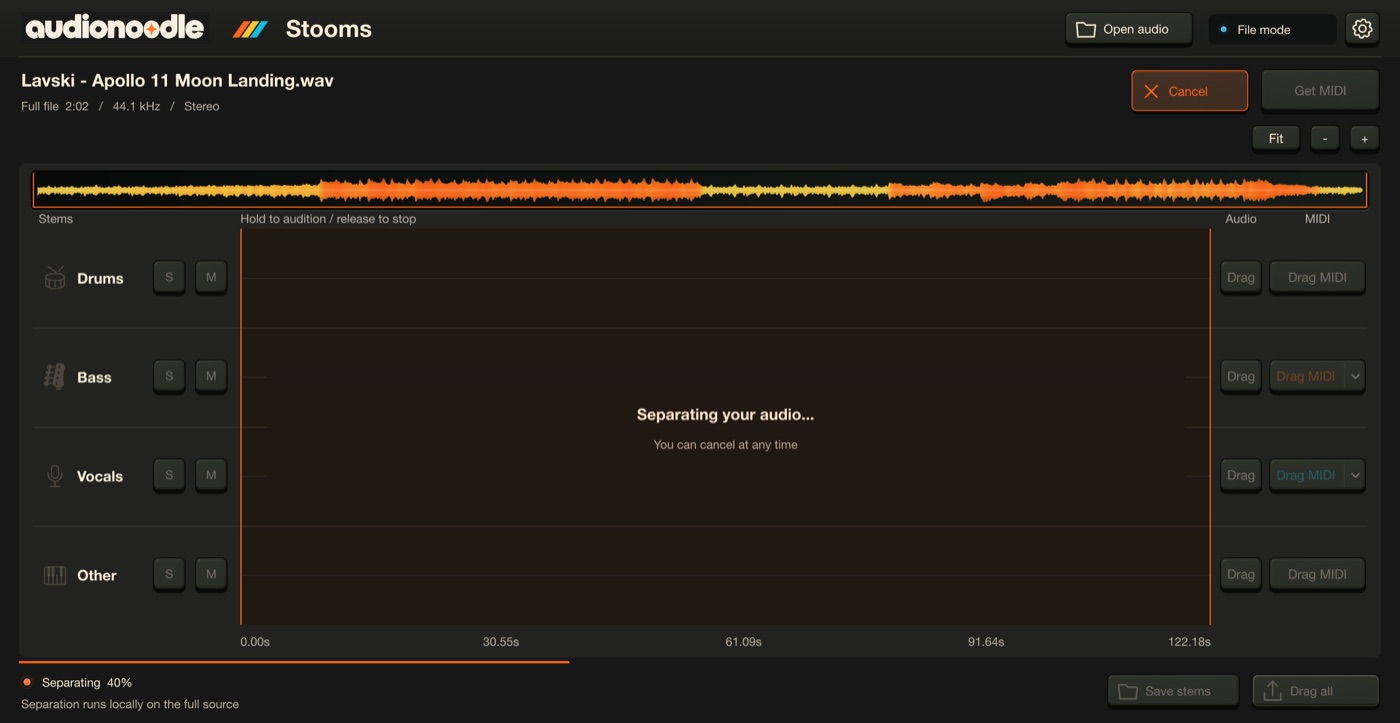
No. Stem separation and analysis run on your Mac. Activation talks to the licence server; your audio and projects never do.
What happens when the trial ends?
Playback and exports pause until you activate. Your projects stay editable, savable and reloadable, with sources, pads and takes kept.
Can I activate without internet?
Yes, with a request/response file. Online activations keep working for 30 days between check-ins.
Do Soompler and Stooms support ARA 2?
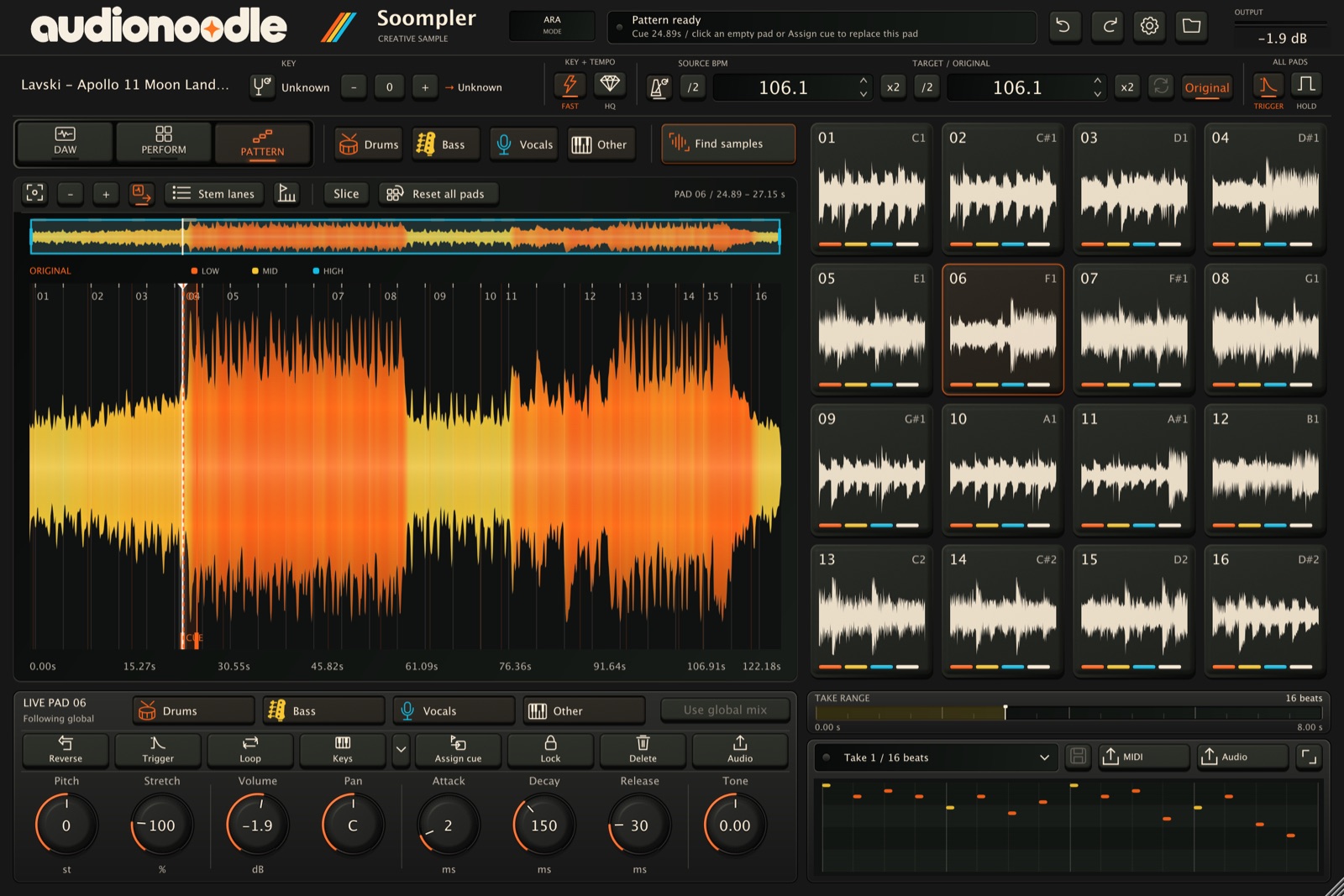
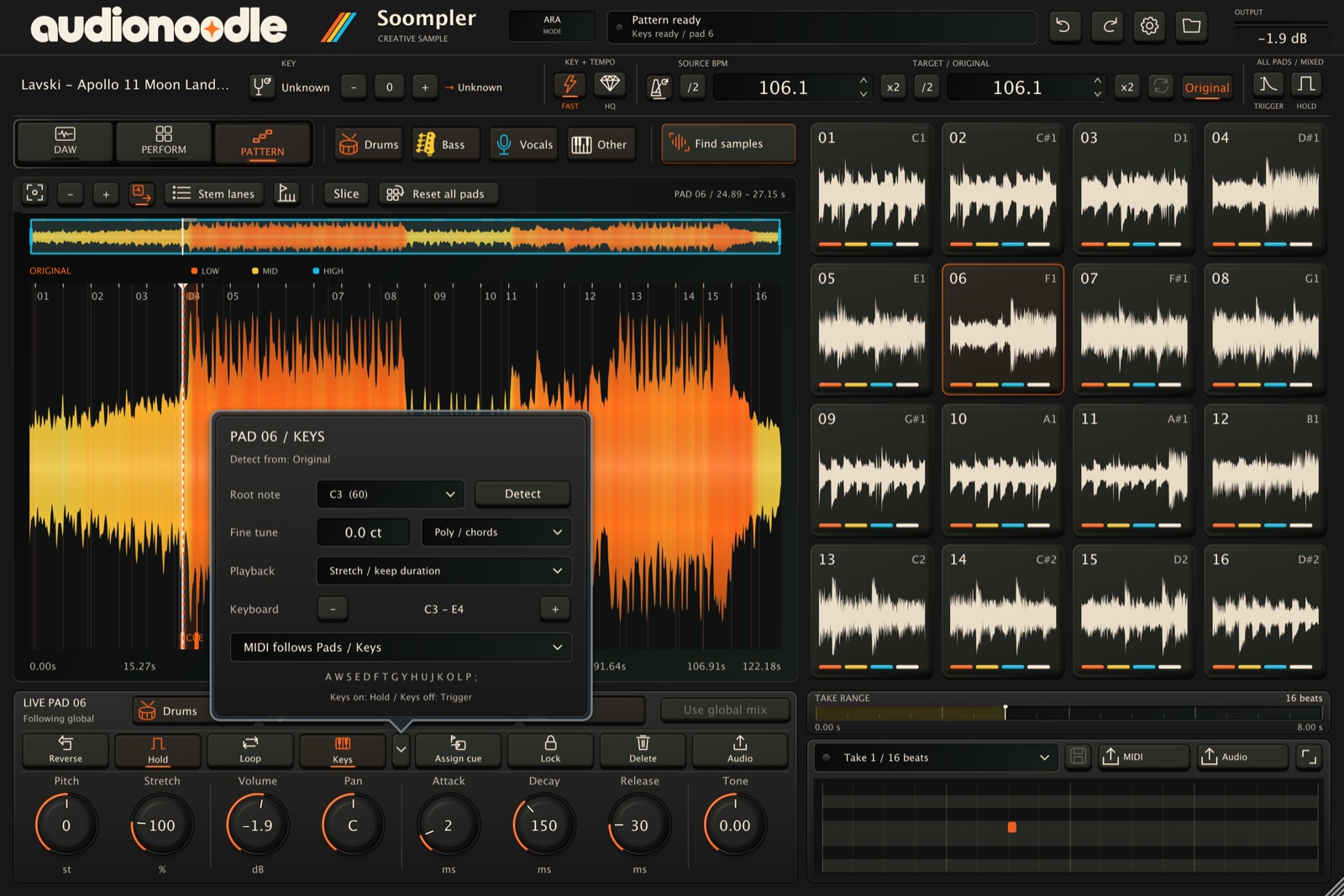
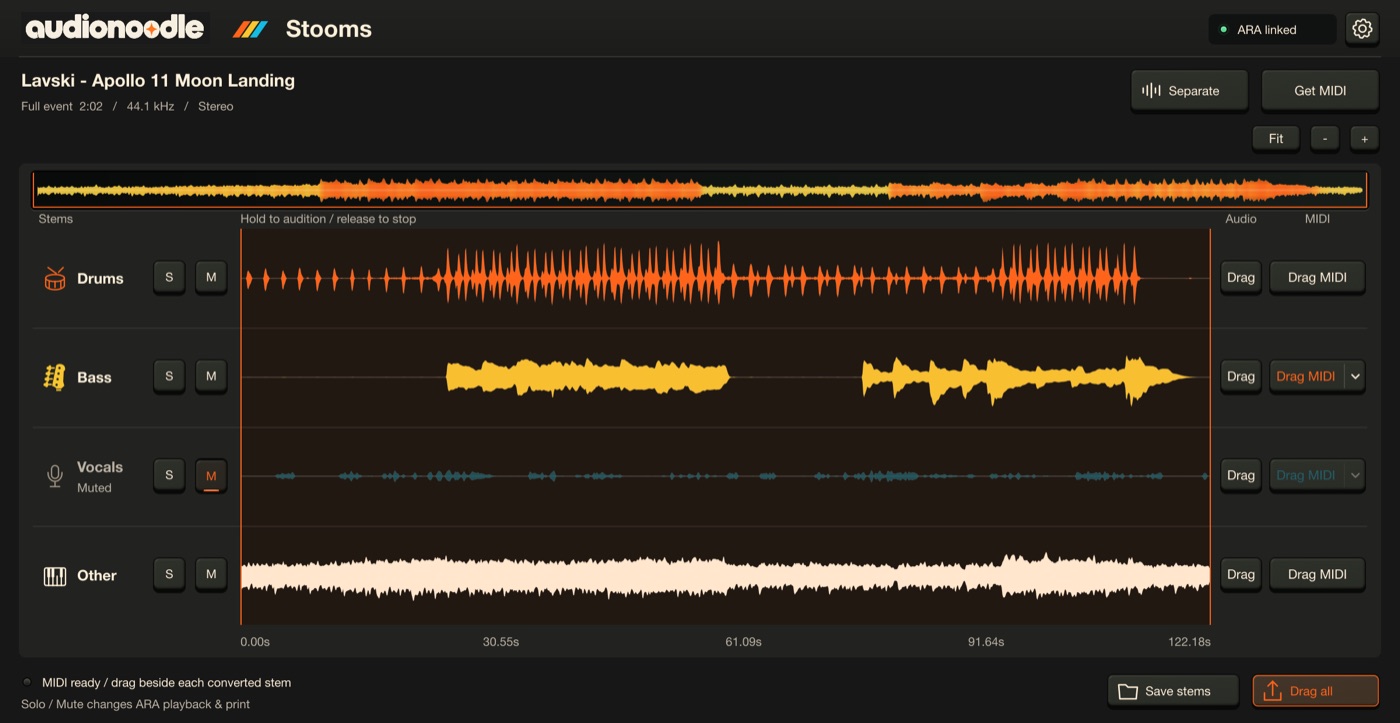
Yes. Both are ARA 2 extensions: in any VST3 host with ARA 2 support, you open them right on an audio clip in your arrangement — no exporting, no importing. More about Soompler · More about Stooms.
Which DAWs work?
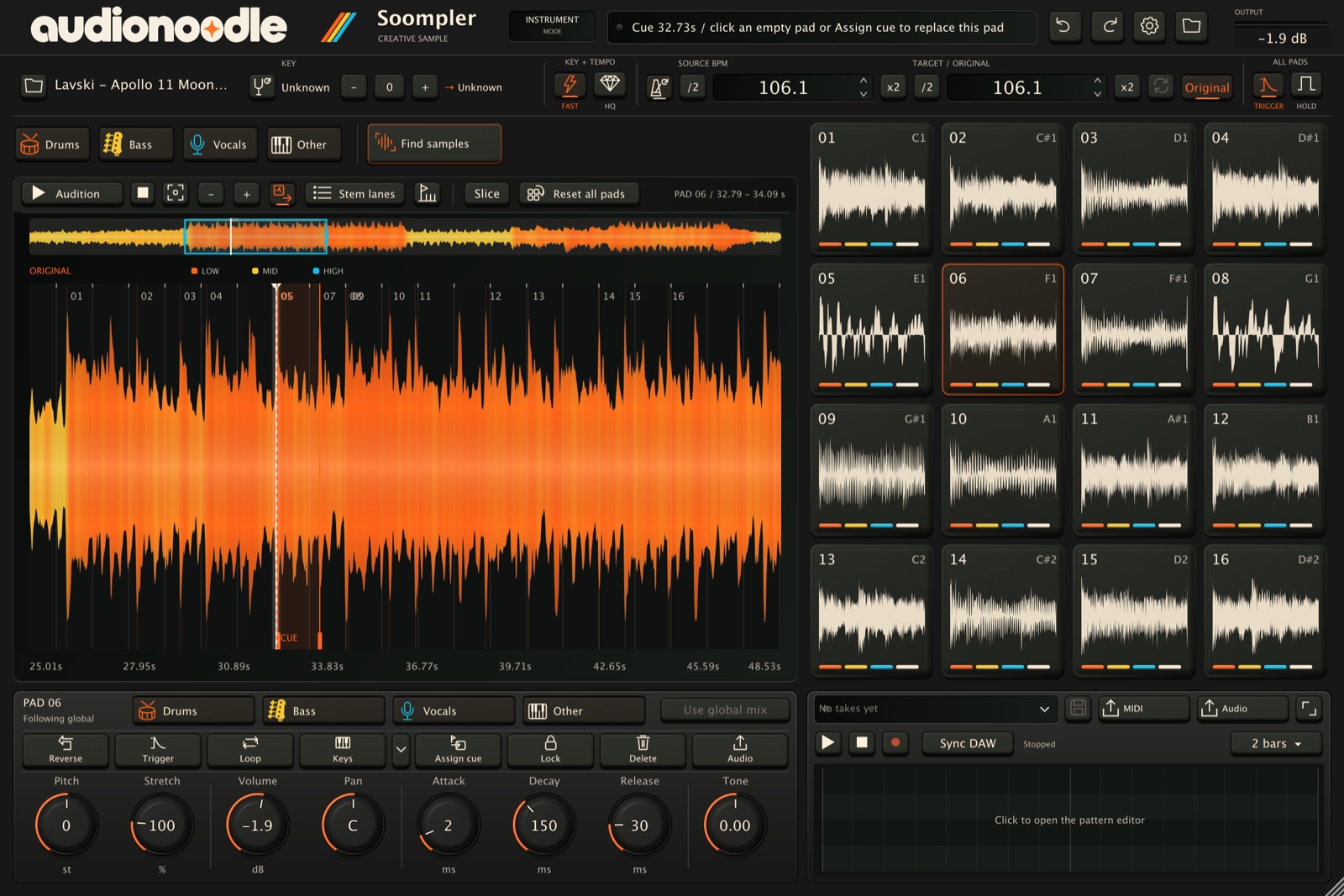
Any VST3 host with ARA 2 support gets the on-the-clip workflow for both plugins. In VST3 hosts without ARA, Soompler runs as a VST3 instrument and Stooms as a file-mode VST3. Both also run as standalone apps. Logic Pro isn’t supported yet — here’s why. See where each plugin works.
Why isn’t Logic Pro supported yet?
Two reasons. First, Logic only loads Audio Units, and our plugins are VST3s today, so we’re building Audio Unit versions.
Second, on Apple Silicon Macs, Logic runs ARA plug-ins only under Rosetta, which loads the Intel version of a plugin. Our stem separation and analysis are built and tuned for Apple Silicon, so the in-track workflow in Logic needs an Intel build of that engine as well. We’d rather do it properly than ship something slow. Logic support is coming, but it isn’t here yet.
What is ARA 2, and why did you build around it?
ARA 2 (Audio Random Access) lets a plugin see the whole audio clip in your arrangement, not just the sound passing through it as it plays. That’s why Soompler and Stooms work right on the clip: no exporting, no importing, no lining things back up afterwards.
ARA was our first idea, not an add-on. We kept losing ideas in the export, chop, render and drag-back loop. Working on the clip itself changed how we make music, and we want you to feel that too. No ARA host? Both plugins still work as VST3s and standalone apps.
Do I need ARA 2?
No. Both plugins also work in any VST3 host and as standalone apps. ARA 2 adds the on-the-clip workflow in hosts that support it.
What Mac do I need?
An Apple Silicon Mac. Windows is planned for later.
I need help with a licence or download.
Email hello@audionoodle.com with the email you bought with, and we’ll sort it out.