Stooms is a stem-separation plugin with ARA 2 support. Split any song into drums, bass, vocals and everything else — then turn every stem into MIDI. Right on the clip in your DAW, all on your Mac.
VST3 with ARA 2 · file-mode VST3 · standalone app · macOS on Apple Silicon
Pull it apart.
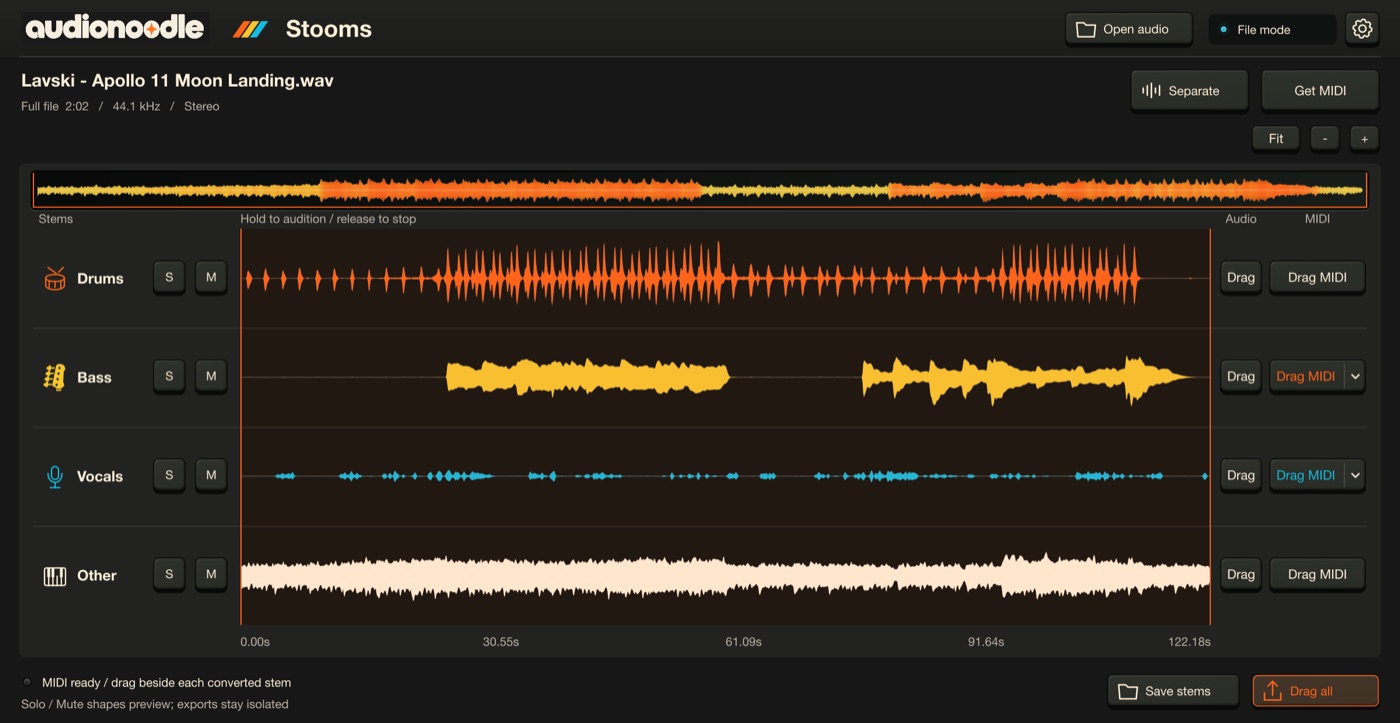
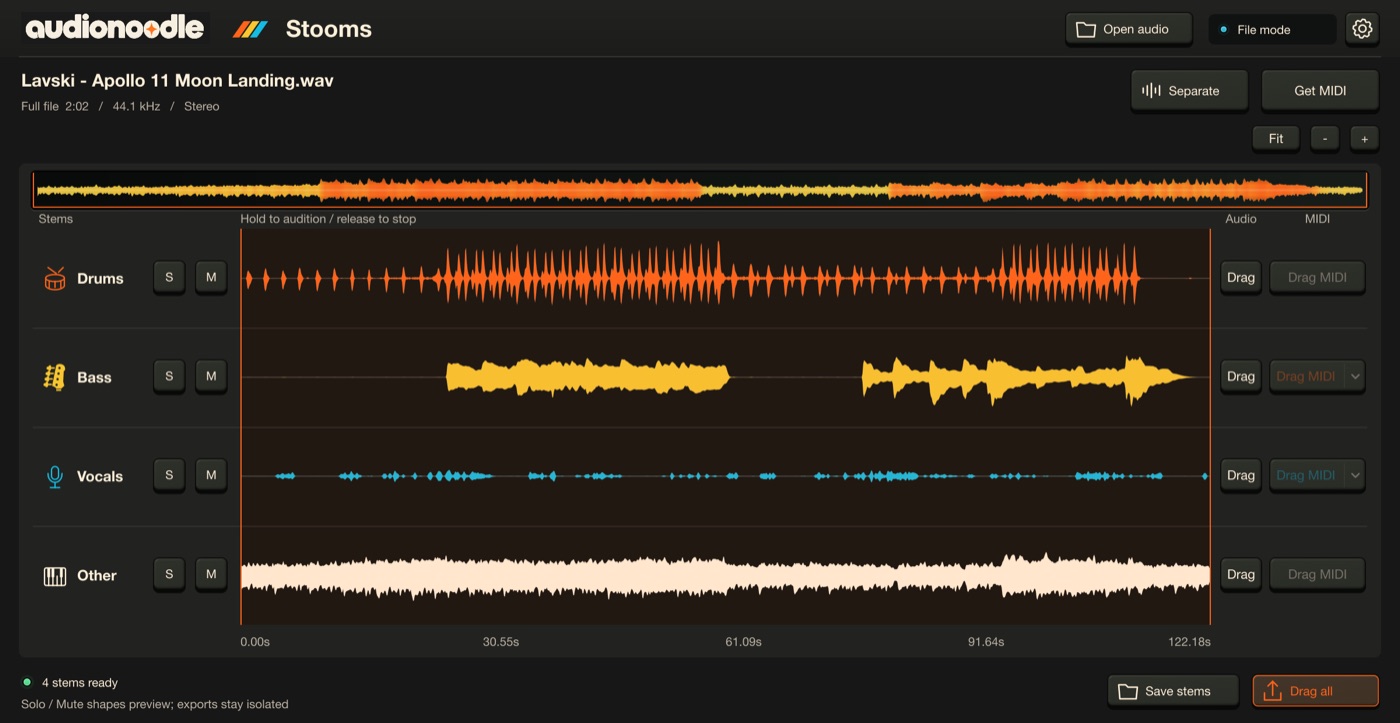
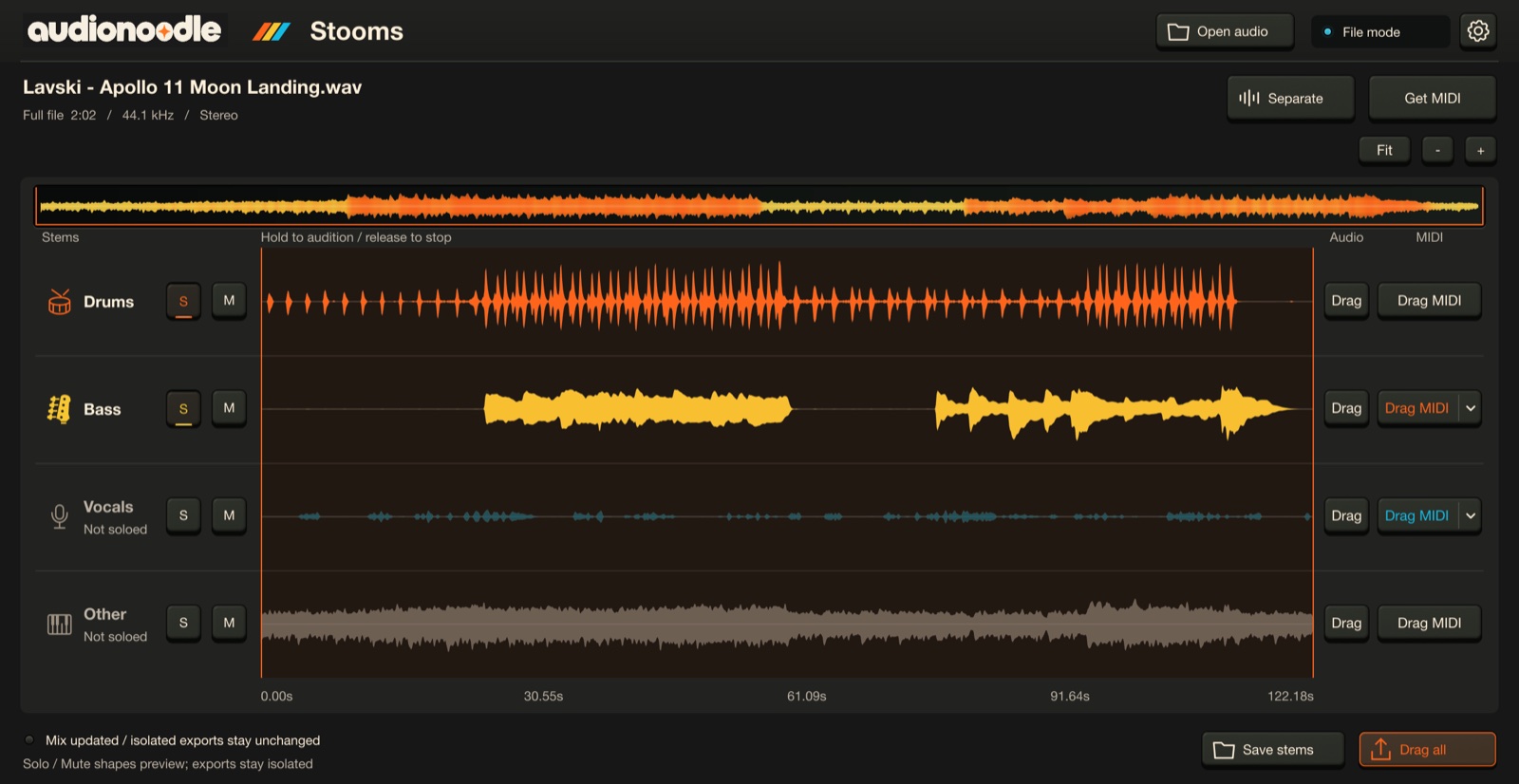
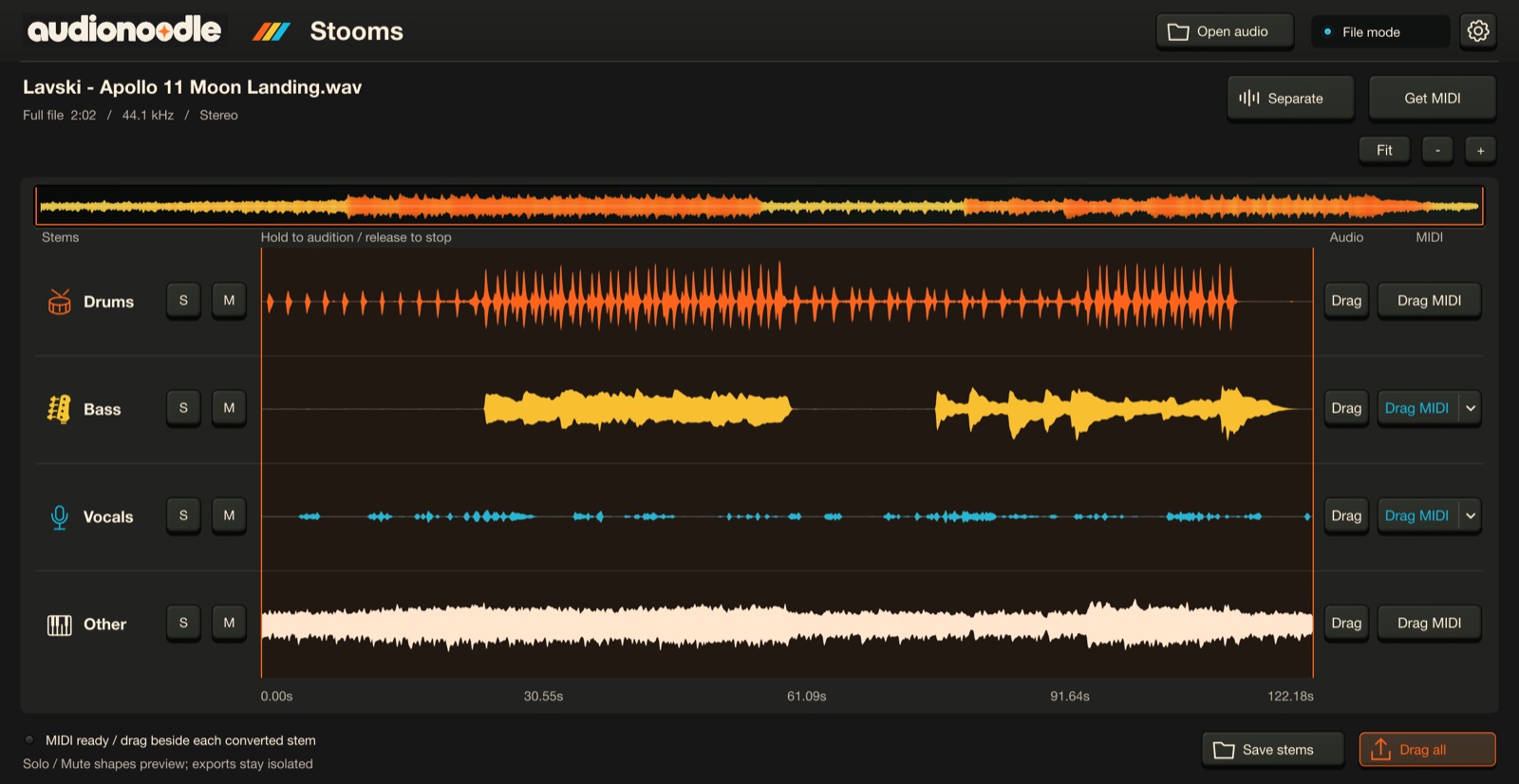
Press Separate and Stooms splits the whole song — up to 10 minutes — into drums, bass, vocals and other, on your Mac. Cancel any time. Nothing is uploaded.
Four stems, separated locally
Remix in a click.
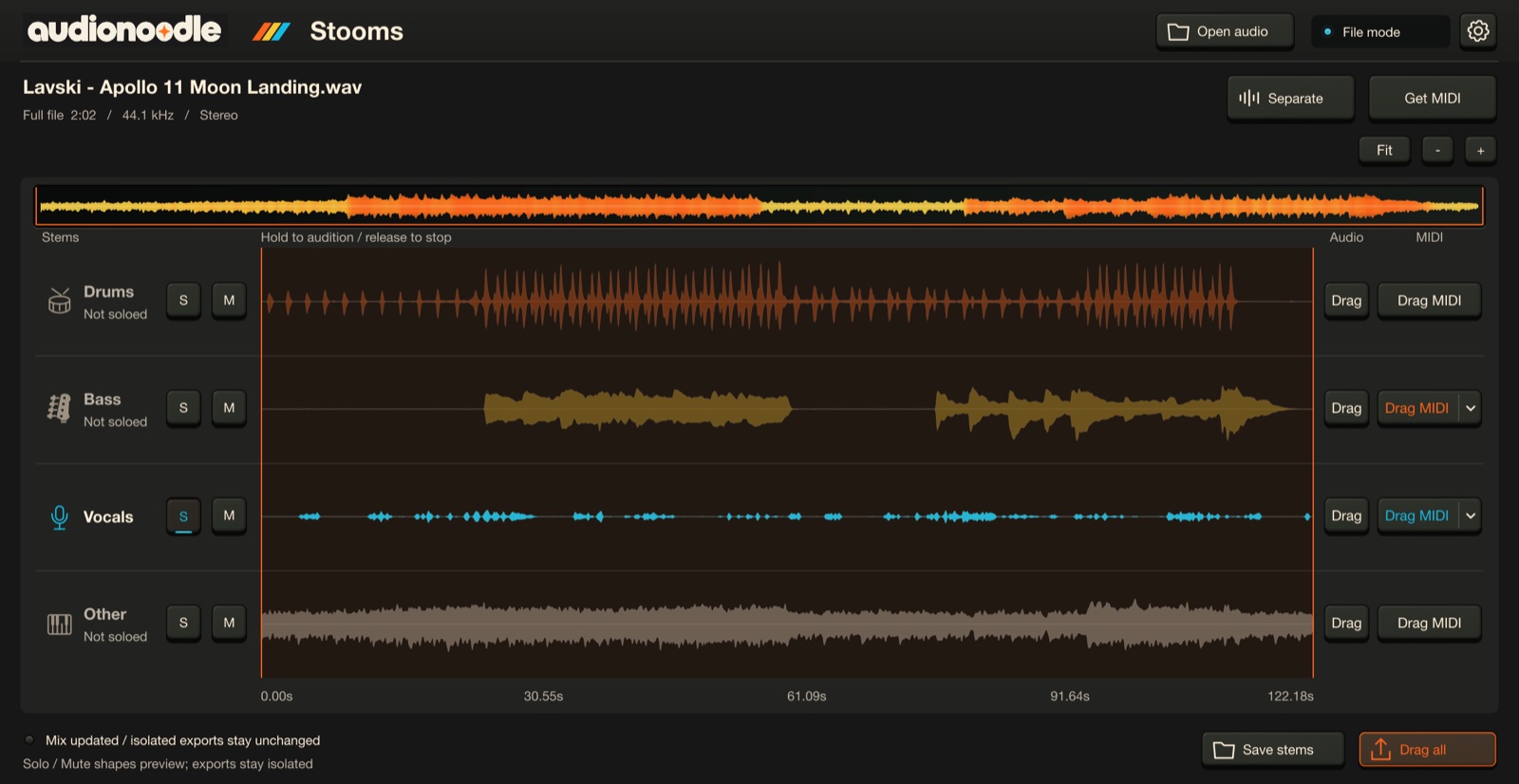
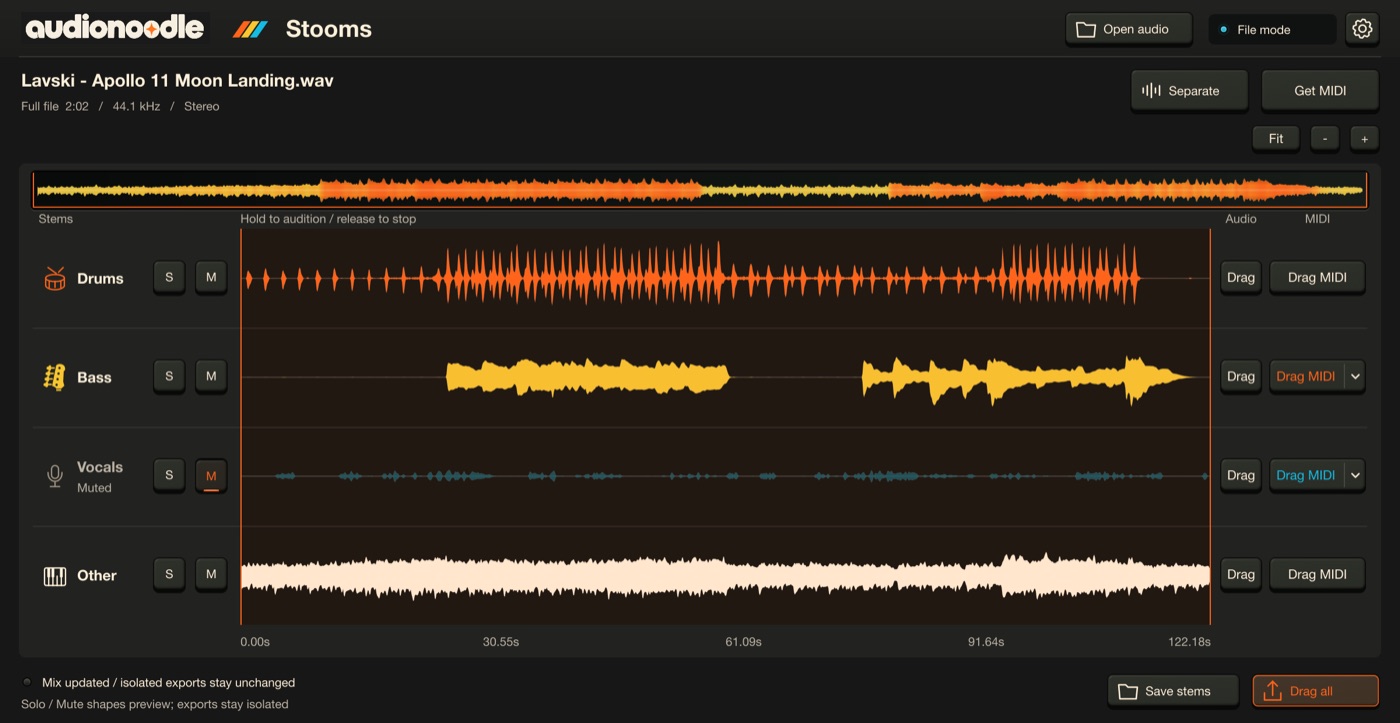
Press S to solo a stem, M to mute it. An instant instrumental, an a cappella, just the groove. Hold the waveform to hear the mix from that point.
A cappella: vocals soloJust the groove: drums + bass
Instrumental: vocals muted
Every stem, now MIDI.
Press Get MIDI and every stem becomes a MIDI file, on your Mac, lined up with the clip and your project’s tempo.
Drums → a General MIDI kit
Bass and vocals → melodies, with Notes or Expressive
Other → an experimental sketch to edit
Get MIDI: Drag MIDI on every stem
Notes or Expressive.
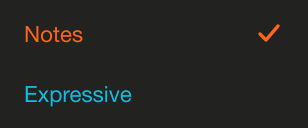
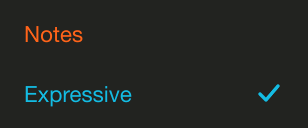
Bass and vocals have two modes on their Drag MIDI menu. Notes gives one clean pitch per note. Expressive keeps slides and vibrato as pitch bend (±12 semitones), from the same analysis — switching never re-runs it.
Bass default: NotesVocals default: Expressive
Bass switched to Expressive
Drag it out.
Drag a stem straight onto a track, or Drag all for four aligned 32-bit float WAVs. Save stems writes them to a folder. Drag MIDI does the same for the MIDI.
Audio and MIDI, per stem or all at once
Or keep it on the clip.
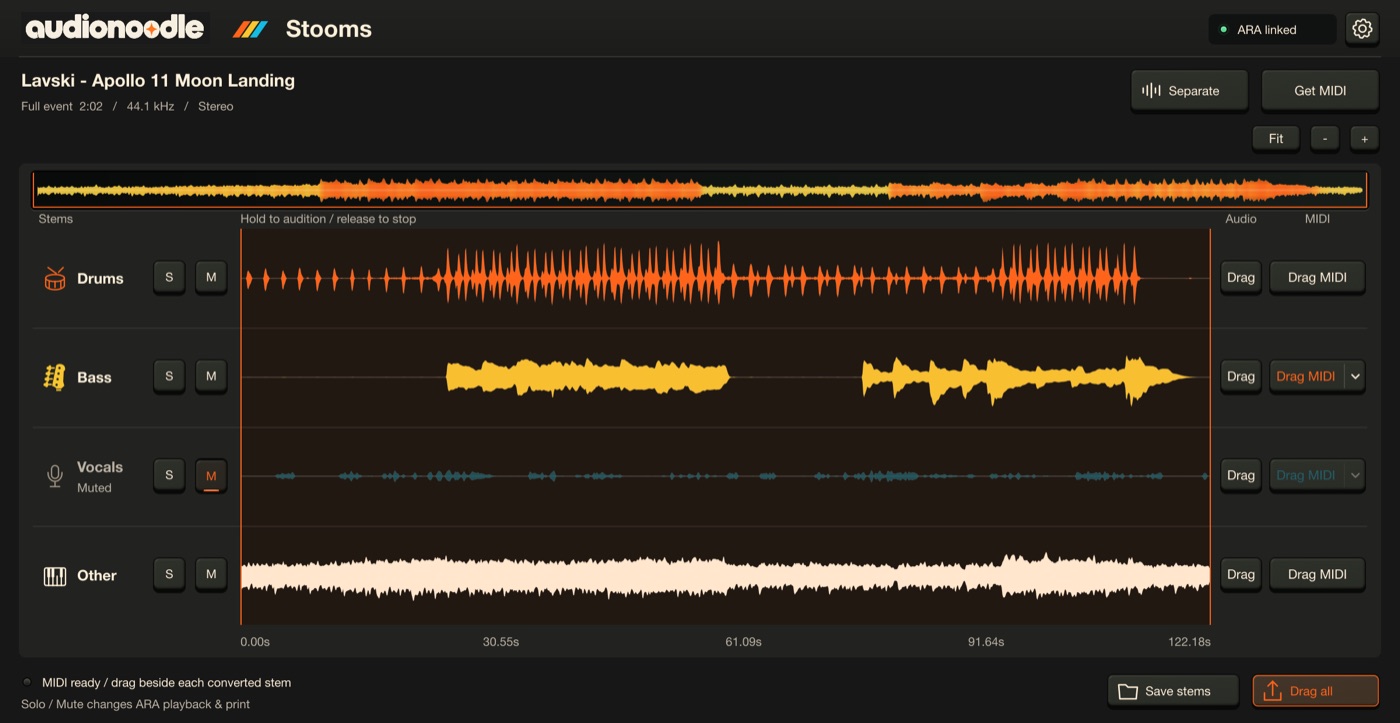
With ARA 2, Stooms lives on the clip already in your song. Solo and mute change its playback and the printed mix — render it in place when you’re ready. No ARA? Use the file-mode VST3 or the standalone app.
Stooms on a clip, through ARA 2
The details.
ARA
ARA 2 extension (VST3) — works on the clip in any VST3 host with ARA 2 support
Formats
VST3 with ARA 2 · file-mode VST3 · standalone app
Platform
macOS on Apple Silicon
Stems
Drums, bass, vocals, other — songs up to 10 minutes, separated on your Mac
Audio export
32-bit float WAV per stem, aligned to the source
MIDI export
Every stem · drums as a GM kit · bass and vocals as Notes or Expressive (±12 pitch bend) · other experimental
MIDI from every stem, with expressive pitch for vocals and bass
On your Mac — nothing is uploaded
Every licence: 2 computers · online or offline activation · macOS on Apple Silicon · VST3 with ARA 2 Not working on your Mac as described? Email us within 14 days for a fix or a refund.
Yes. Stooms is an ARA 2 extension: in any VST3 host with ARA 2 support, you open it right on an audio clip in your arrangement — no exporting, no importing. Solo and mute then change the clip’s playback and the printed mix, and the MIDI follows your project’s tempo.
How good is the MIDI?
Each stem gets the tool that suits it. Drums become a General MIDI kit — kick, snare and hi-hats are the strongest; toms and cymbals are rougher. Bass and vocals follow one melody line each. Other — keys, guitars, pads — is experimental: a starting point to edit, not a finished part.
What’s the difference between Notes and Expressive?
Notes writes one clean pitch per note. Expressive writes the same notes plus pitch bend, so slides and vibrato stay in. Set your synth’s bend range to ±12 semitones if it doesn’t pick that up from the file.
How long can a song be?
Up to 10 minutes. Stooms separates the whole file, or the whole clip in your DAW.
Can I use Stooms without a DAW?
Yes. The standalone app opens audio files directly, and the file-mode VST3 works in any VST3 host without ARA.
Does it work in Logic Pro?
Not yet. Logic only loads Audio Units, and on Apple Silicon it runs ARA plug-ins only under Rosetta. Our plugins are native Apple Silicon VST3s, so Logic needs both an Audio Unit version and an Intel build of our engine. It’s coming, but it isn’t here yet.
Does my audio go anywhere?
No. Stem separation and analysis run on your Mac. Activation talks to the licence server; your audio and projects never do.
How does the free trial work?
Download the installer — no account is needed to download. Choose Activate inside the plugin, then sign in or create your free account to start 14 days with every feature. If you don’t buy, your projects still open, save and reload.
Want to play with the pieces?
Soompler chops, plays and records ideas right on your clip — with stems per pad, Keys and takes. Also with ARA 2.